


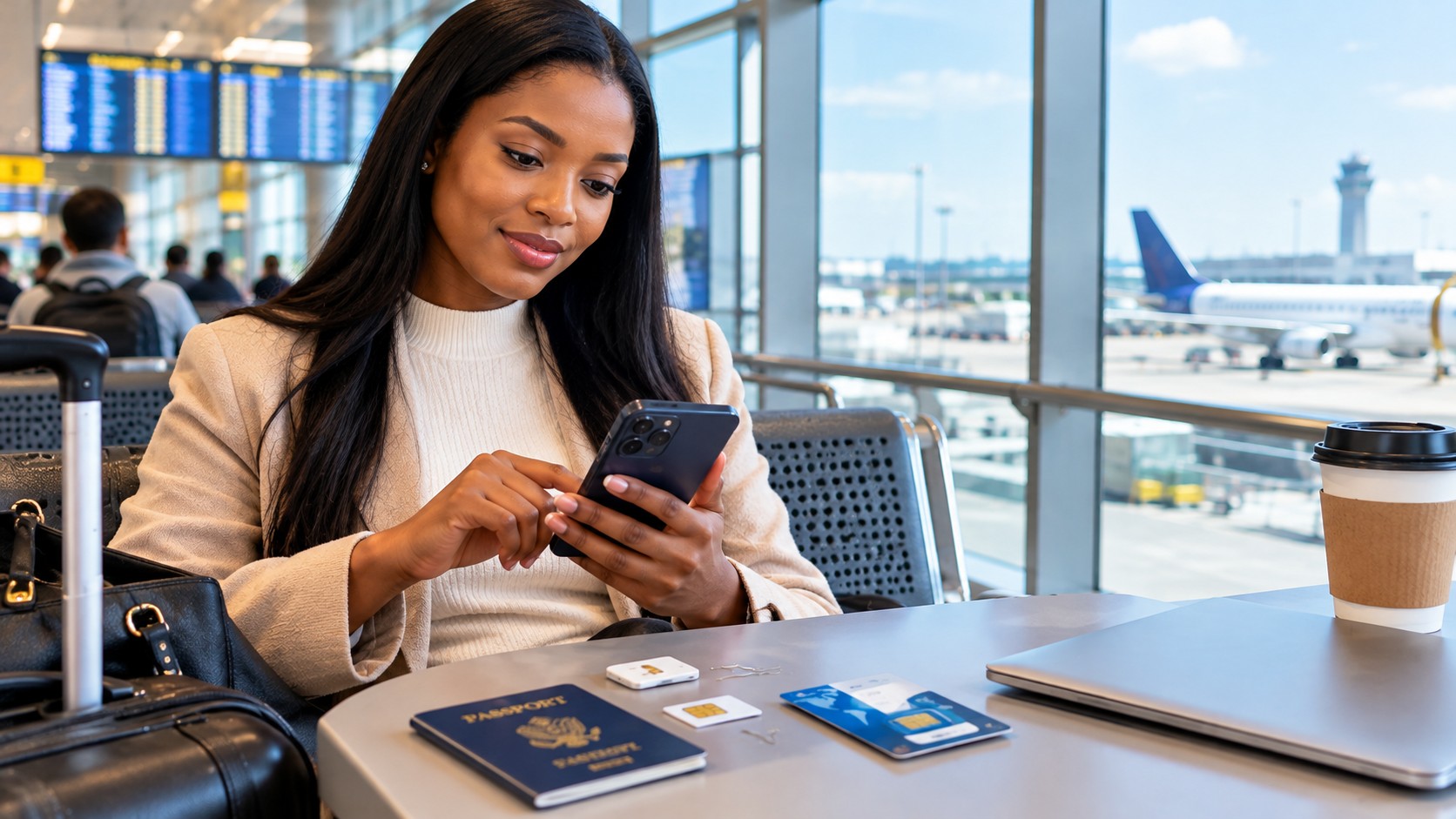
Imagine arriving in a foreign country after a long flight, only to discover that your phone cannot connect to the internet. You cannot contact your hotel, book a taxi, check directions, or inform your family that you have arrived safely. For many first-time international travellers, this frustrating situation results from overlooking one important travel essential: mobile connectivity. Choosing the wrong SIM card, misunderstanding roaming charges, or buying an unsuitable data plan can create unnecessary stress and expenses. Fortunately, these problems are avoidable. Understanding how international SIM cards, eSIMs, mobile data, and roaming work will help you stay connected, manage your budget, and travel confidently.
Mistake 1: Using Home Roaming Without Checking the Cost
The most expensive error is leaving data roaming switched on and assuming the charges will be reasonable. Many mobile networks charge high daily or per-megabyte rates abroad, and a few minutes of map use or video can consume a large amount of data.
Some providers offer roaming passes or daily bundles, which are far more predictable. Before you travel, contact your network and ask:
- Whether roaming works in your destination
- The daily or weekly price of any travel pass
- How much data is included and what happens when it runs out
- Whether calls and text messages are covered
If the cost is unclear, switch data roaming off and use another option.
Mistake 2: Not Checking Whether Your Phone Is Unlocked
A local SIM card or eSIM only works if your phone is unlocked. Many devices bought on instalment plans are locked to the original network. Insert a foreign SIM into a locked phone and it will simply refuse to connect.
Contact your provider before departure and ask if your phone is unlocked. If it is not, request the process to unlock it, as this can take several days. Do not leave it for the airport.
Mistake 3: Ignoring eSIM Compatibility
An eSIM is a digital SIM that you download instead of inserting a physical card. It is convenient, and you can often install it before you leave home. However, not every phone supports eSIM. Most recent smartphones do, but older models and some budget devices do not.
Check your phone’s settings or the manufacturer’s website. Also confirm that the eSIM provider covers your destination and supports your specific device model.
Mistake 4: Buying a SIM at the Airport Without Comparing
Airport kiosks are convenient, but they are often more expensive than shops in the city. Convenience may still be worth paying for if you need to be connected on arrival, for example to contact a driver. Compare three things:
- Price per gigabyte. Divide the total price by the data allowance.
- Validity period. A cheap plan that expires after seven days is useless on a two-week trip.
- Network quality. Ask which network the SIM uses and whether it covers the areas you will visit.
A practical compromise is to buy an eSIM online before departure, so you are connected as soon as you land.
Mistake 5: Forgetting About Registration Requirements
In many countries, SIM cards must be registered with the buyer’s identity. You may need to present your passport, and some countries take a photograph or require your visa details. Activation can take anything from a few minutes to several hours.
Carry your passport when purchasing a SIM, and buy it from an official store or authorised dealer. Unregistered or street-sold cards may stop working without warning.
Mistake 6: Replacing Their Home SIM and Losing Access to Important Messages
Swapping your physical SIM for a local one means your home number is no longer active on that phone. This causes problems because banks, email accounts, and payment apps often send verification codes by text message to your home number.
There are several solutions:
- Use a dual-SIM phone. Keep your home SIM in one slot and the local SIM or eSIM in the other.
- Carry a second device. An old phone can hold your home SIM.
- Update your security settings. Switch to authenticator apps where possible before you travel.
- Check roaming for text messages only. Some networks allow incoming texts at low or no cost.
Mistake 7: Not Understanding Data-Only SIMs
Many tourist SIMs and eSIMs provide data only. They do not include a phone number for regular calls or text messages. This is usually adequate, because apps such as WhatsApp, FaceTime, and similar services can handle calls and messages over the internet.
However, some situations still require a local number, such as restaurant bookings, delivery services, or taxi apps that call you. If you expect to need one, choose a plan that includes a local number.
Mistake 8: Letting Background Apps Consume Data
First-time travellers are often surprised when a generous data allowance disappears within days. The usual cause is background activity:
- Automatic app updates
- Cloud photo backups
- Video autoplay on social media
- Streaming music and high-definition video
- Software updates
Before you travel, turn off automatic updates over mobile data, pause cloud backups, and reduce video quality. Check your phone’s data usage screen to see which apps use the most.
Mistake 9: Skipping Offline Preparation
Even with a good plan, signal can disappear in remote areas, underground trains, or aircraft. Prepare in advance:
- Download offline maps of the cities you will visit
- Save flight tickets, hotel bookings, and insurance documents to your phone
- Download translation language packs
- Save playlists, podcasts, or shows for long journeys
- Write down your hotel address in the local language, if different from your own
This reduces your data use and protects you when connectivity fails.
Mistake 10: Overlooking Wi-Fi Safety
Free Wi-Fi in airports, cafés, and hotels saves money, but public networks carry security risks. Other users may be able to intercept unprotected traffic. Avoid banking, shopping, or entering passwords on open networks. If you must, use a reputable VPN service. Remember that some countries restrict or regulate VPN use, so check local rules before you rely on one.
Mistake 11: Forgetting Hotspot and Fair Use Limits
Using your phone as a hotspot for a laptop or companion can burn through data quickly. Some plans also limit or block hotspot sharing, and many include a fair use policy that reduces speeds after a certain usage. Read the terms of your plan before depending on it for work.
A Simple Checklist Before You Travel
- Confirm your phone is unlocked.
- Check whether it supports eSIM.
- Compare roaming, local SIM, and eSIM costs.
- Install your eSIM, if you choose one, before departure.
- Make sure you can still receive important verification messages.
- Download offline maps, tickets, and documents.
- Turn off automatic updates and cloud backups over mobile data.
- Carry your passport for SIM registration.
- Keep a small amount of emergency contact information on paper.
Conclusion
Staying connected abroad does not have to be expensive or confusing. Most problems come from a lack of preparation rather than technology. Understand your options, check that your phone is ready, protect access to your home number, and manage your data carefully. A few minutes of planning before you leave will save money and keep you connected when it matters most.
Fill this FORM to book your flight today.
FORM

Other Articles

How to Plan a Trip Home During Term Breaks Without Losing Money
How to Plan a Trip When Traveling With Elderly Parents

No Comment! Be the first one.